Menu


Android Accessibility
Thursday, March 13
2:00pm - 3:30pm
Kenmore Branch Library
Community RoomHaving trouble seeing your screen or entering text? Learn some accessibility options for your Android device.
This in-person presentation will help you make the most of the accessibility features on your Android phone making it easier for users of all abilities to navigate, interact with, and enjoy their devices.
Topics include:
- Talkback: Discover how to use the Android's screen reader to navigate your device through audio, perfect for individuals with visual impairments.
- Magnifier and Display Adjustments: Discover how to use the Magnifier tool and adjust text size, contrast, and colors for better readability.
-
Google Voice Access Control: Use voice commands to control your device, such as opening apps or navigating settings.
Learn more: -
Sound and Hearing Features: Closed Captions and subtitles
Can't make the class try our Get Tech Help events.
AGE GROUP: | Adults |
EVENT TYPE: | Education | Computers & Technology |
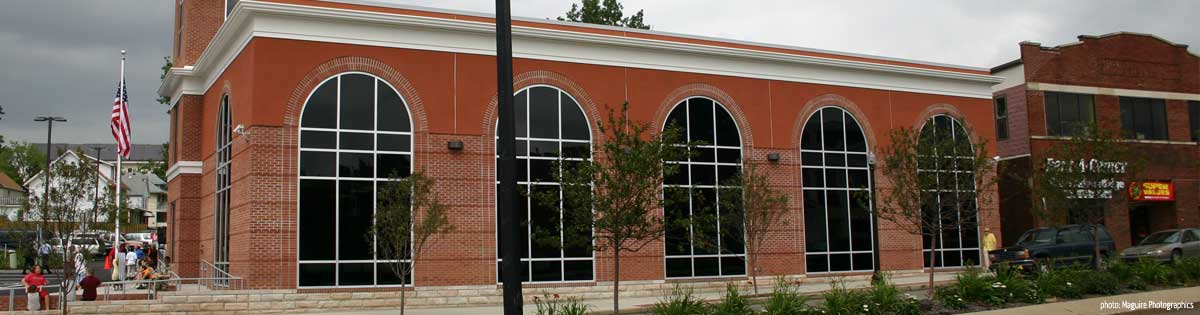
Kenmore Branch Library
Hours
About the branch
The Kenmore Branch Library is a center of neighborhood enrichment where people and resources come together for information, education, and entertainment. Computers and computer classes, WiFi, copiers, scanning and faxing are just a few of the popular services available at the Library; meeting space for non-profit groups and organizations is also in high-demand throughout the year.
Diverse programming--including storytime, NatureConnect, crafting, cooking, health and wellness, and more—engage participants of all ages who learn and create together. Kenmore Branch Library is your one-stop spot for news about local events, the latest in books, movies, and music, access to technology, and so much more.